 LinkedFlow
 What is LinkedFlow?
LinkedFlow is a prospecting and automation tool for LinkedIn. You connect your account, build a visual workflow out of nodes — invite, wait, write, react, ask the AI — and the engine runs it for you, prospect by prospect, respecting safety limits designed to protect your account.
The mental model in 60 seconds
Everything in LinkedFlow revolves around three pieces:
| Piece | What it is |
|---|---|
| Prospects | Your CRM: the people you want to talk to. They arrive from LinkedIn search, a CSV or by hand, and carry their status (new, invited, connected, replied…). |
| Workflows | Visual journeys of nodes that define what happens to each prospect: visit their profile, wait a day, invite, wait for acceptance, follow up… Each prospect moves through the journey independently. |
| The engine | Runs the workflows. Before every real action it checks daily quotas, schedule, pauses between actions and your plan; if something can't go out right now, it postpones it rather than risk your account. |
LinkedFlow doesn't publish posts, doesn't email prospects and doesn't touch other networks. It does one thing and does it carefully: 1-to-1 conversations on LinkedIn. The complete list of what it does and doesn't do is in the node catalogue.
A look at the app
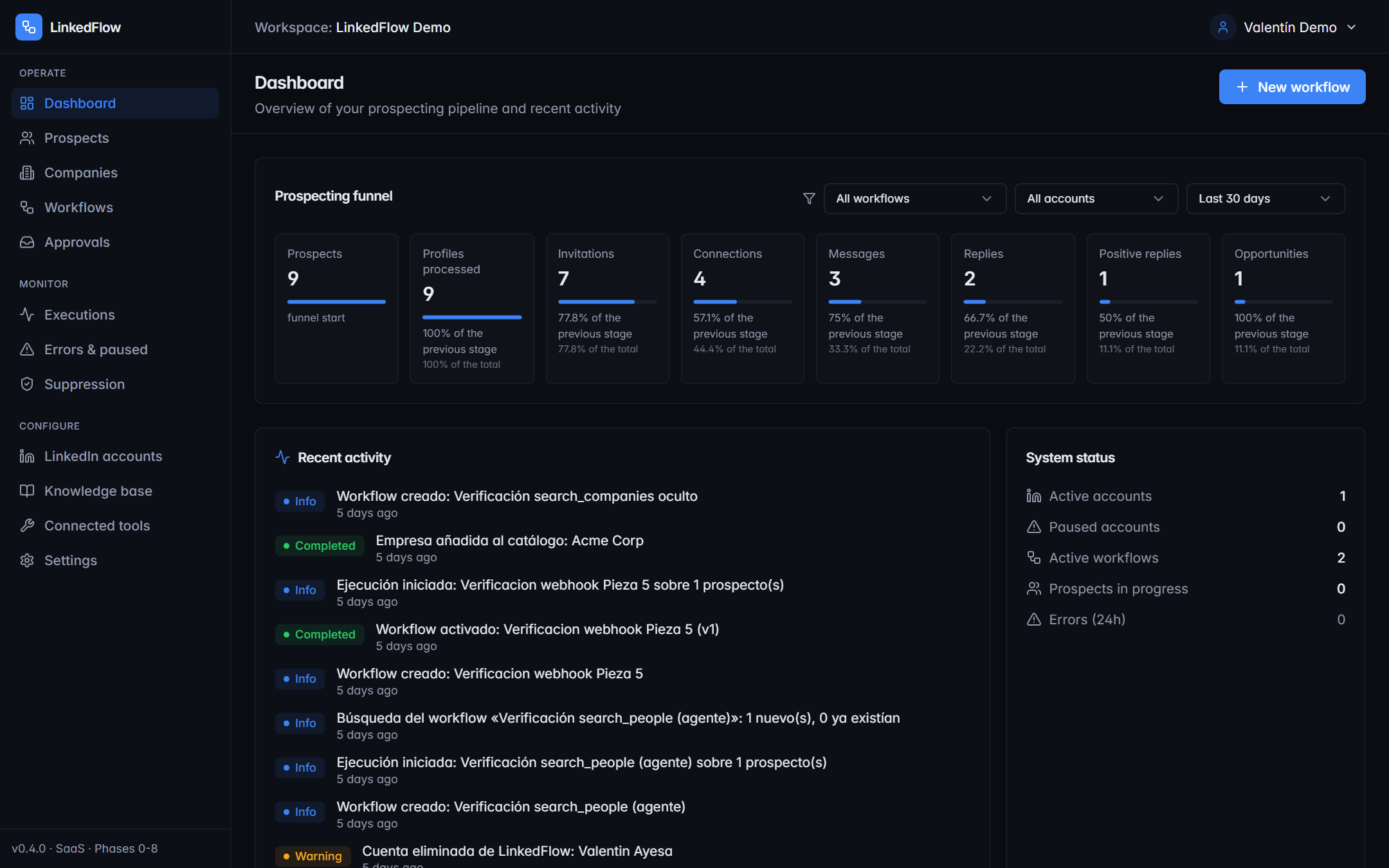
The sidebar organises the app into four blocks:
| Block | Screens |
|---|---|
| Operate | Dashboard, Prospects, Companies, Workflows and Approvals: the day-to-day. |
| Monitor | Executions, Errors & paused, and the Suppression list. |
| Configure | LinkedIn accounts, Knowledge base, Connected tools and Settings. |
| User menu | My account (language and password), Subscription and Referrals. |
Where to go next
Getting startedSign-up, first login, language and a tour of the dashboard.
Connect LinkedInThe two connection methods and two-step verification.
Your first workflowFrom a template, from scratch or by describing it to the AI.
Limits and safetyWhat protects your account and how to adjust it.
AI ModeCopilot, autopilot and knowledge base.
Use casesComplete recipes ready to copy.