 LinkedFlow
 Settings
The personal side (profile, language, password), the workspace side (data retention, notifications) and how team roles work.
My account
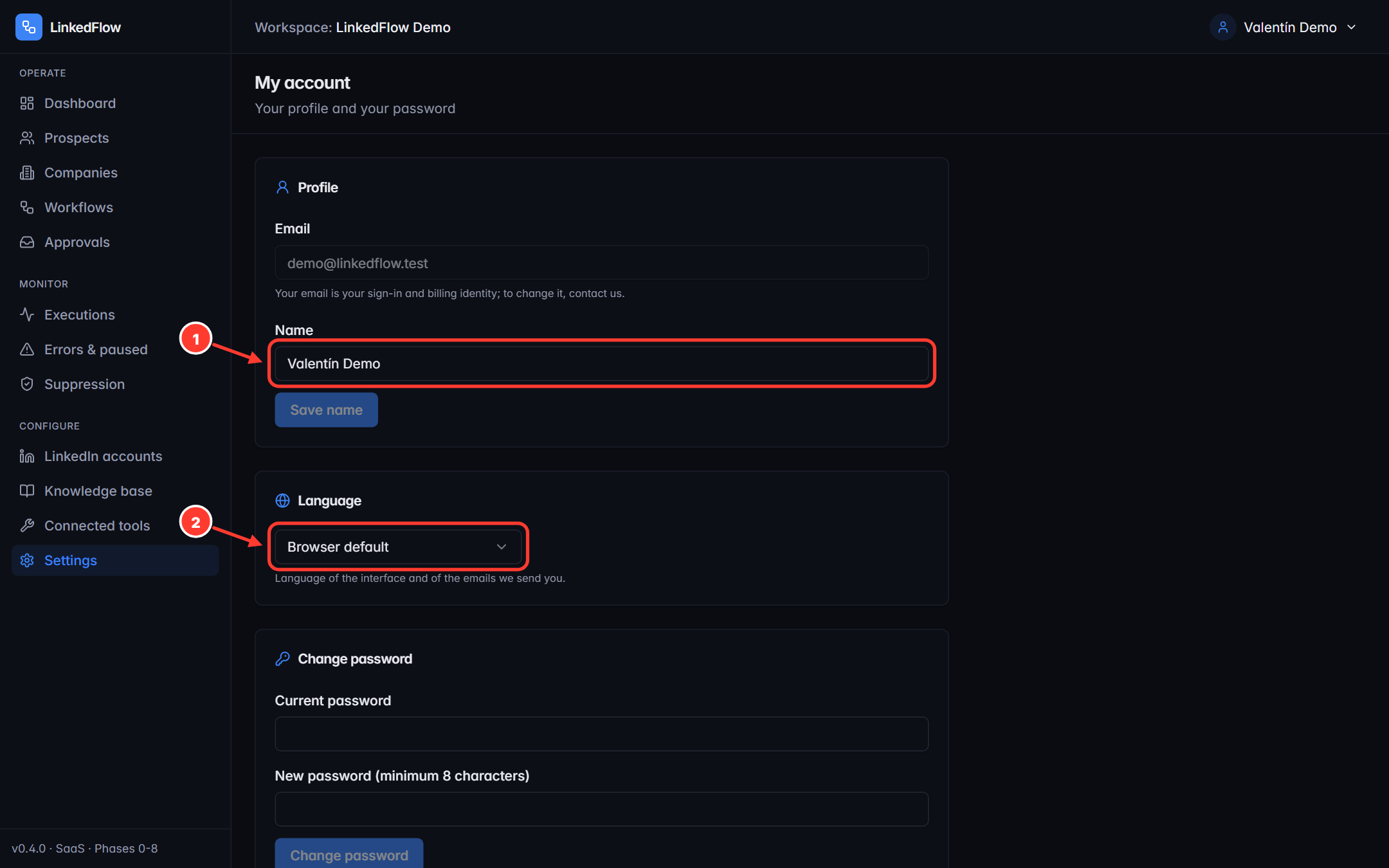
- Your name. The email can't be changed from here: it's your sign-in and billing identity.
- Language of the interface and of the emails we send you: “Browser default” or fixed (Español, English, Français, Português).
Below that, the password change (minimum 8 characters, asks for the current one).
Workspace data retention
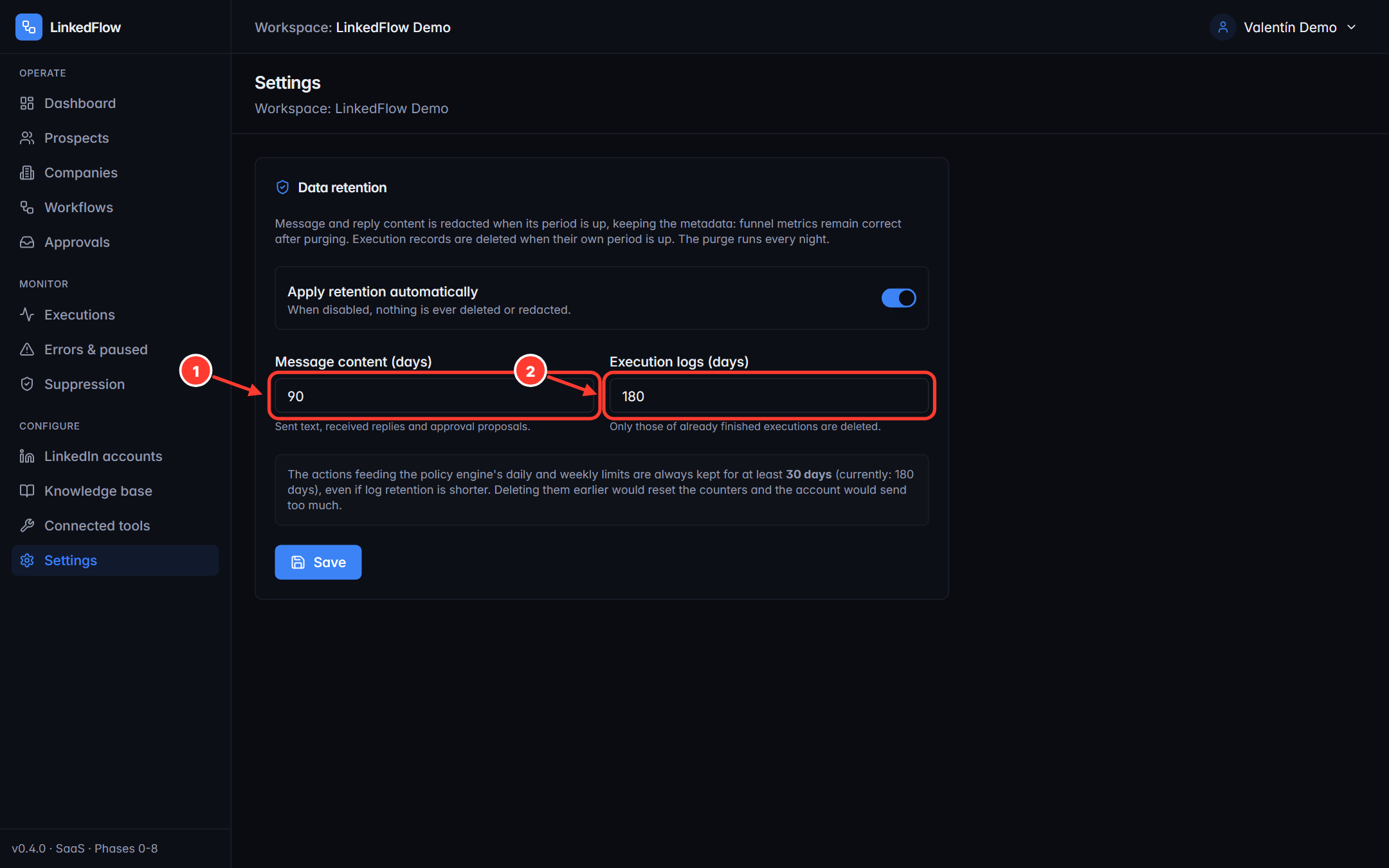
- Message retention days (90 by default): once the period is up, the content of messages is redacted, keeping the metadata — the funnel and the metrics stay correct.
- Log retention days (180 by default): once the period is up, execution records are deleted. It must be greater than or equal to the message one.
- The purge runs every night; before saving, the screen previews what would be purged with the chosen values.
- Allowed range: 7 to 3,650 days. And there's an untouchable 30-day floor on action records: the quota counters never lose their recent memory, whatever you configure.
Email notifications
Two workspace-level switches, both on by default:
- Pending approvals: a grouped email to the managers when messages are waiting for review.
- Unmanaged failures: a grouped email when errors pile up or an account gets paused.
Emails arrive in each recipient's language (the one they chose in My account), not in the language of whoever caused the event.
Team roles
Each member has one role per workspace. They're hierarchical: each role includes everything from the previous one.
| Role | What it adds |
|---|---|
| VIEWER | See everything: dashboard, prospects, workflows, executions, settings. Touches nothing. |
| MEMBER | Work the CRM (prospects, lists, companies, imports, searches) and design workflows: create, edit, validate, dry-run. |
| MANAGER | Pull the trigger: activate/pause workflows, run, cancel, retry or dismiss failures, resolve approvals, write from the CRM, use copilot and autopilot, manage suppression. |
| ADMIN | The infrastructure: LinkedIn accounts and their limits, retention, deletions, credentials, connected tools and the billing portal. |
| OWNER | Everything. It's whoever created the workspace. |
If you belong to several workspaces, you switch between them from the user menu; your role can be different in each one. To bring someone new into your workspace, sign-up is currently handled by the LinkedFlow team — write to us.