 LinkedFlow
 Account limits and safety
Everything that goes out to LinkedIn passes through a single gate that checks, in order, a dozen protections. If something can't go out right now, it's postponed — never lost, never forced.
Default quotas
Each LinkedIn account has its own policy, editable from LinkedIn accounts → Limits and schedule (ADMIN role):
| Setting | Default value |
|---|---|
| Profile visits per day | 25 |
| Invitations per day | 20 |
| Messages per day | 30 |
| Invitations per week | the daily quota × 5 (the limit LinkedIn watches most closely) |
| Activity window | 09:00 – 18:00, Monday to Friday |
| Minimum pause between any two actions | 2 minutes |
| Pause between visits | 2 minutes |
| Pause between messages | 5 minutes |
| Pause between invitations | 10 minutes |
| Stop on reply (stop-on-reply) | enabled |
Per-type pauses only count between different people: replying twice in a row to the same prospect doesn't penalise you. And replies to comments don't spend the message quota — they only respect the global pause.
What is checked before every action
In this order. The first violations block; the last ones only postpone:
- The account is connected and the workflow is active.
- The subscription is alive (suspended = nothing goes out, not even what was already queued).
- Your plan still has monthly action quota left (searches and syncs don't spend quota). If it runs out, the action waits for next month.
- The prospect is not on the suppression list or marked “do not contact”.
- Stop-on-reply: if they already replied, they receive no more automated actions. The conversation becomes yours (or the autopilot's, if you enable it).
- The action is not duplicated: every send is reserved before going out, so a retry can never duplicate a message.
- The circuit breaker is not open (see below).
- Daily and weekly quotas → if exceeded, it's postponed to the next day inside the window.
- Activity window and active days → outside the schedule, it's postponed to the next opening.
- Pauses between actions (global and per type).
When the engine postpones or blocks something, you'll see it in the execution trail with the reason in your language (“Daily invitation limit reached for this account”, “Outside the activity window”…). Nothing fails silently.
The circuit breaker
If LinkedIn shows alarm signs (captcha, checkpoint, invalid session, restriction, too many requests) or the provider fails 5 times in a row, LinkedFlow opens the circuit for that account:
- The account is paused and all its executions and waits are stopped.
- It's logged in the activity feed and you're notified by email.
- It never re-arms on its own: when the session is healthy again, press Resume on the Accounts screen. LinkedFlow verifies the session against the provider before resuming.
The suppression list
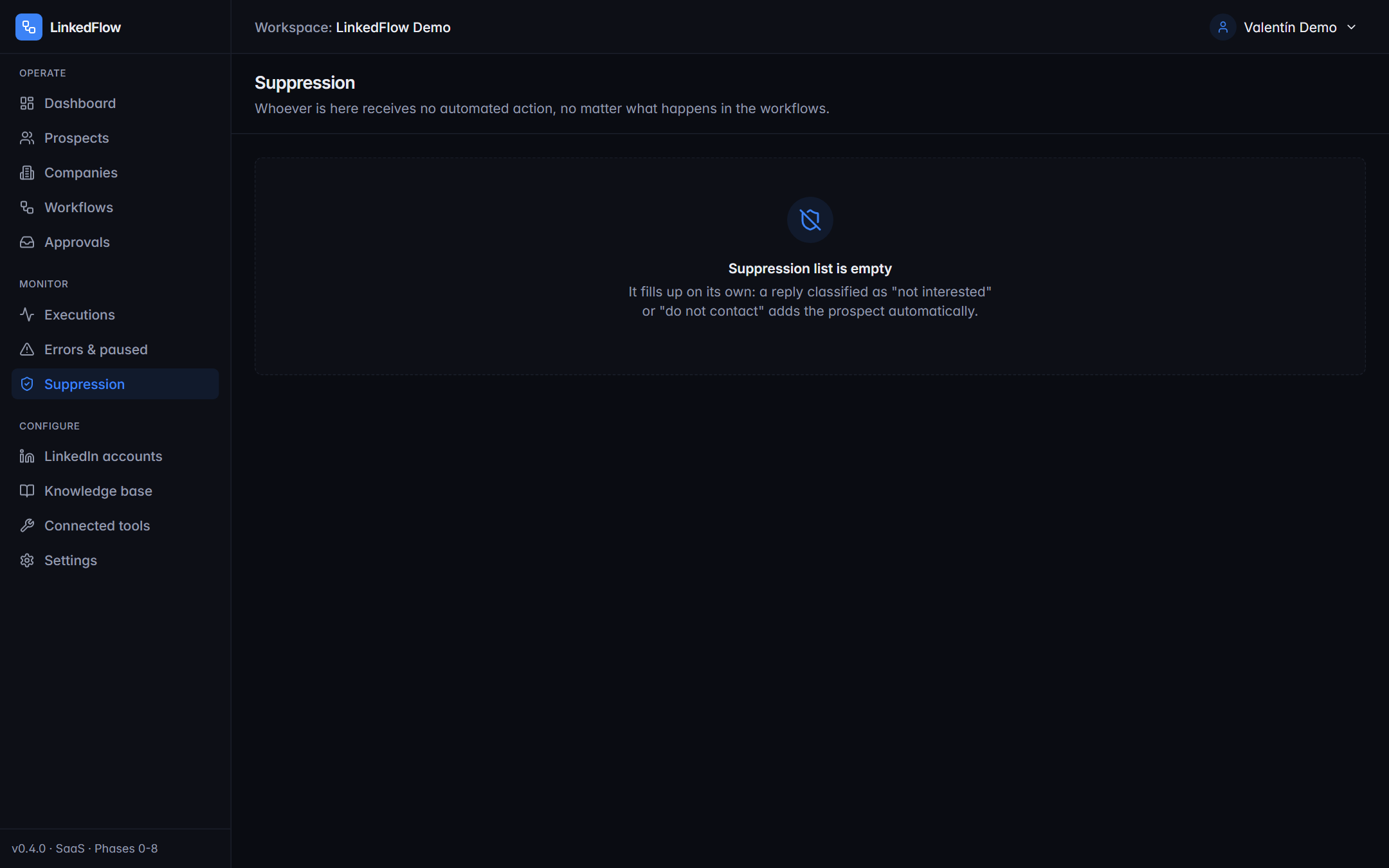
It's the workspace's blocklist, with reason and note: do not contact (DNC), unsubscribed, not interested, blocked, already a customer, competitor or manual. It's applied before any outreach node, and the AI agent can also feed it when a prospect asks not to be written to again.
Other protections you don't see
- One action at a time per account: two actions from the same account never go out in parallel.
- Better not to send than to send twice: if a send ends with an unknown result (say, a network cut mid-flight), it's marked as failed and not blindly retried.
- Retries with brains: transient errors are retried up to 3 times with growing backoff; permanent ones (“already invited”, “you're already connected”…) are not retried and tell you why.
- Invitation note with a fallback: if LinkedIn rejects an invitation because the monthly quota of invitations with a note has run out (free accounts), LinkedFlow retries once without the note and records it in the trail.
- 30-day retention floor on action records: even if you configure aggressive retention, the quota counters never lose their recent memory.
Warm-up? LinkedFlow doesn't impose a progressive ramp, but the recommended practice exists: before inviting cold, use the “React to Post” node on the prospect's latest post and visit their profile a day before. It's the “Warm-up before inviting” recipe in the templates.