 LinkedFlow
 Workflows
A workflow is a journey of nodes that defines what happens to each prospect. This screen lists them and offers three ways to create one: describe it to the AI, start from a template or start blank.
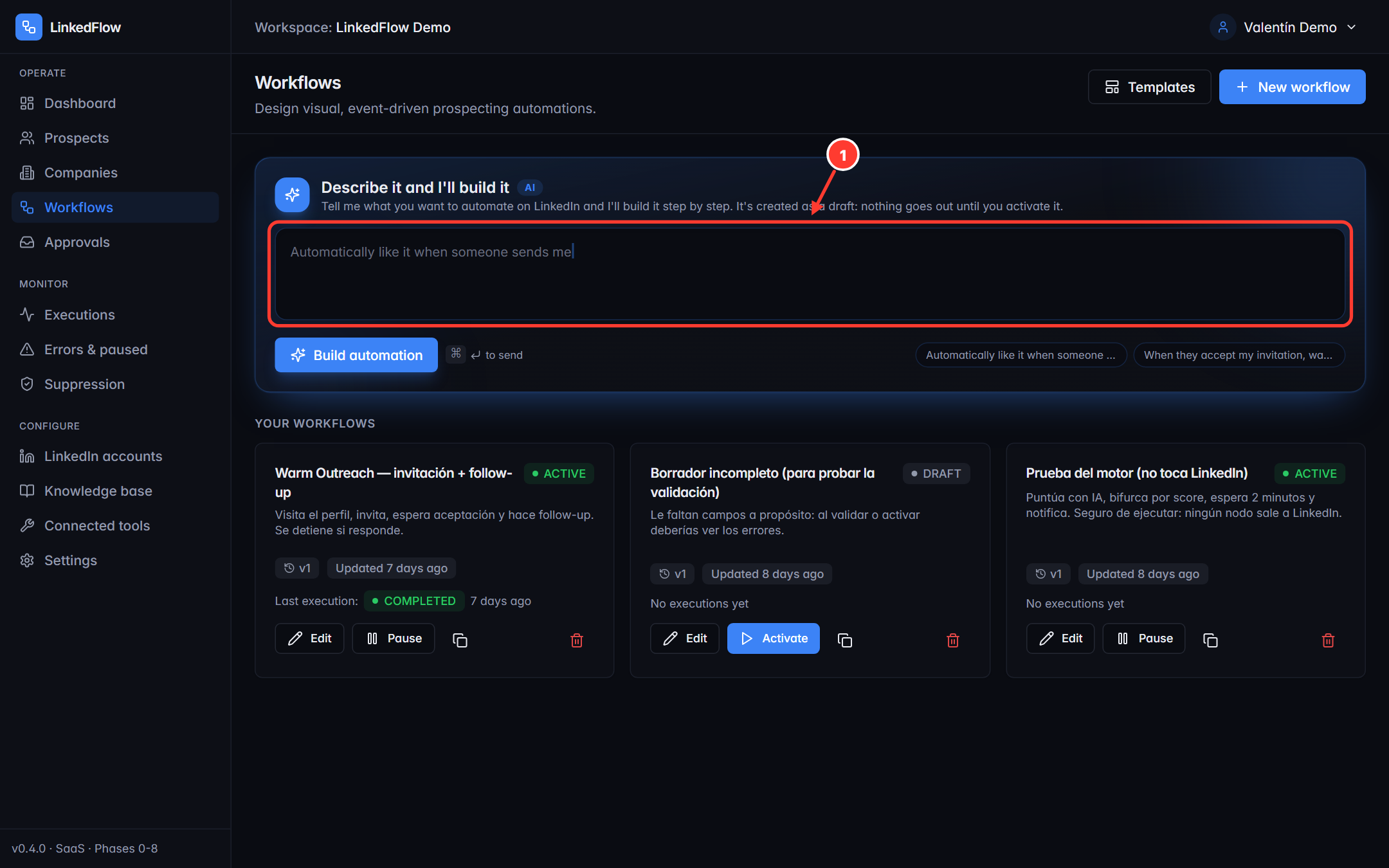
- AI composer: describe what you want in your own words (“visit the profile, wait a day, invite with a note and follow up after 3 days if they accept”) and the AI proposes the complete workflow. You review it before it even exists as a draft.
Creating a workflow
From a template
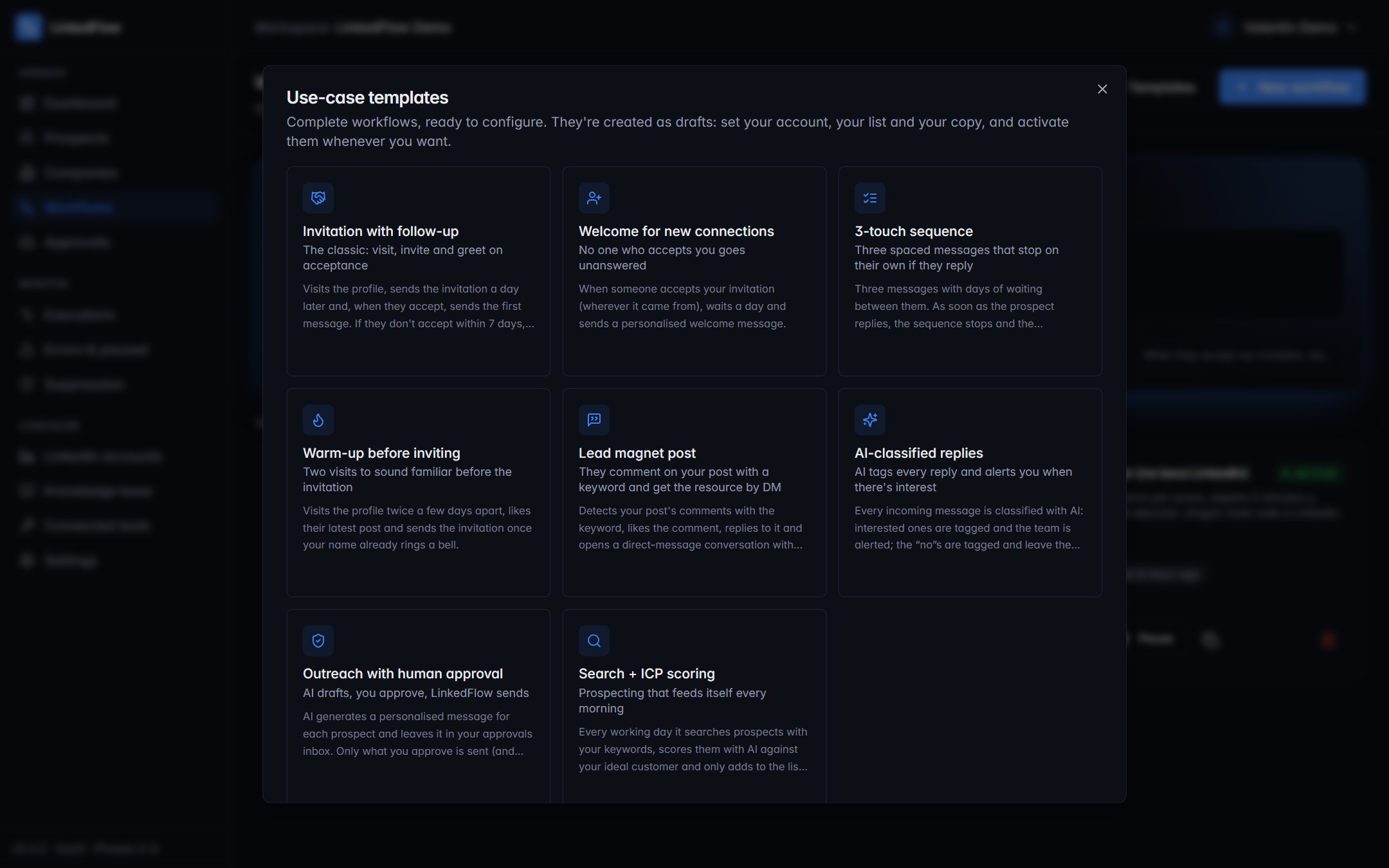
The Templates button opens the gallery of ready-made journeys: invitation with follow-up, comment nurturing, automatic AI replies… Each one is explained in Use cases. When you pick one, it's created as your own draft and opens in the builder so you can personalise the copy and timings.
From scratch
The New workflow button asks for a name and opens the builder with an empty canvas.
States and lifecycle
| State | What it means |
|---|---|
| Draft | Editable and dry-runnable, but its triggers aren't listening. It can be validated and tested without risk. |
| Active | The triggers are listening (lists, webhooks, schedules, comments…) and executions run. |
| Paused | Nothing new enters; whatever was in motion is held waiting. |
From each workflow's card you can Edit, Activate/Pause, Duplicate and Delete. Activating and pausing requires the MANAGER role or above; designing only needs MEMBER (roles are covered in Settings).
Versions
Workflows are stored versioned: every publish creates a numbered version, and running executions keep using the version they started with — editing a workflow never changes the rules on anyone mid-game. In the builder, the Versions button lists the history; to be able to Run you need at least one saved version.
Validation is blocking: a workflow with errors (an unconfigured node, a non-existent variable, a loose wire) cannot be activated. The builder points out each problem; the details are in The builder.