 LinkedFlow
 Companies
The Companies screen is the complement to the people CRM: a catalogue of target companies and a company search on LinkedIn, with a shortcut to jump from the company to its people.
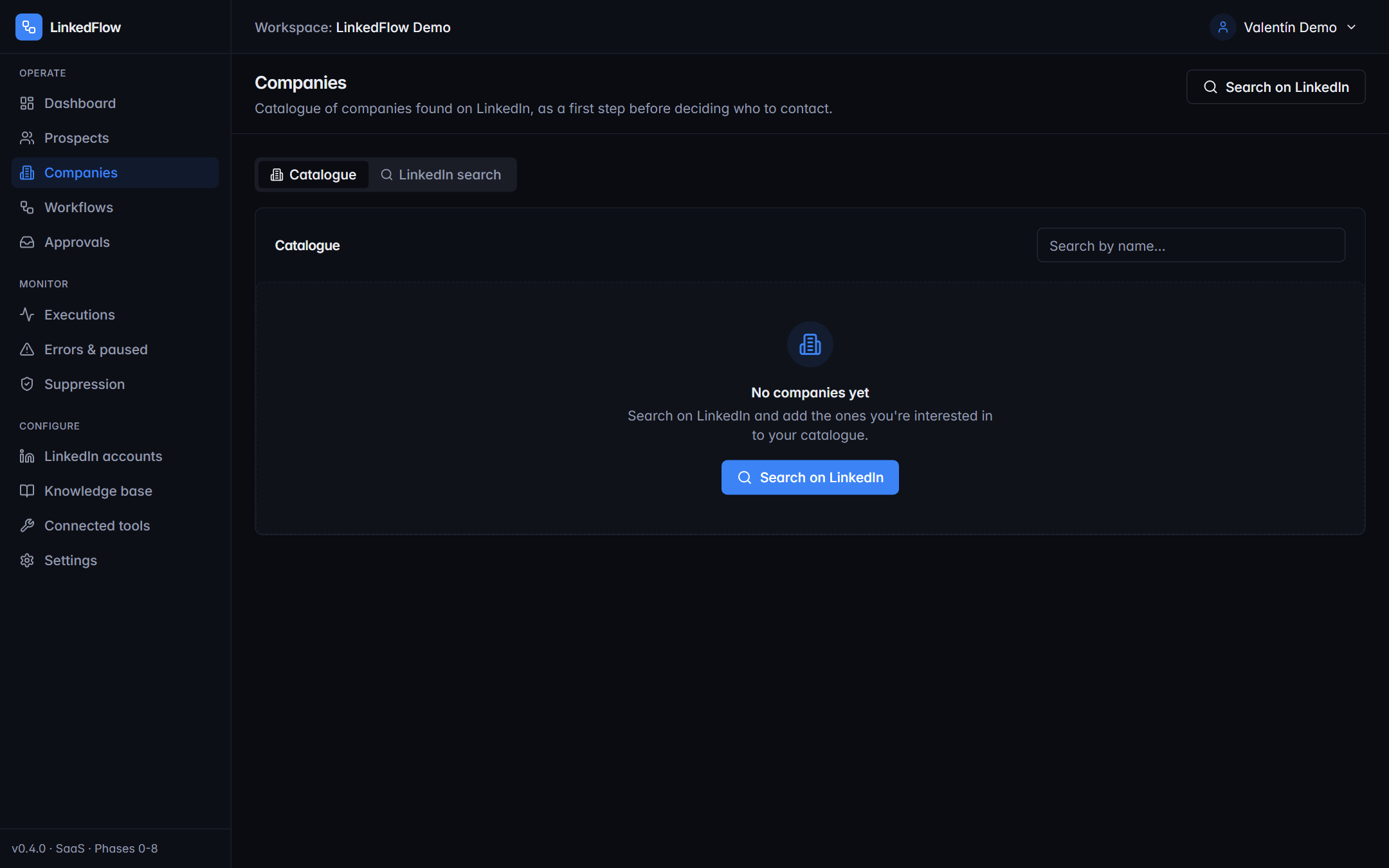
Catalogue
Your list of target companies. Each row shows the basics (industry, size, location) and two key actions:
- Find people here: jumps to the search tab in Prospects with the company already filtered — the shortest path from “interesting company” to “three decision-makers in the CRM”.
- Delete from the catalogue (it doesn't affect prospects already created).
LinkedIn company search
In the “LinkedIn search” tab you find companies by keywords, location and industry, plus an extra filter that's handy for prospecting: “Only with active job openings” — a company that's hiring is usually a company with budget and new needs.
From the results, Add brings the company into the catalogue.
ABM recipe in three steps: search for companies in your sector that are hiring → add them to the catalogue → “Find people here” and keep the roles you decide on. The rest (invite, wait, follow up) is a job for a workflow.