 LinkedFlow
 Prospects
The Prospects screen is your CRM: this is where people, their status and their conversations live. It has three tabs: the CRM, LinkedIn search and CSV import.
The CRM
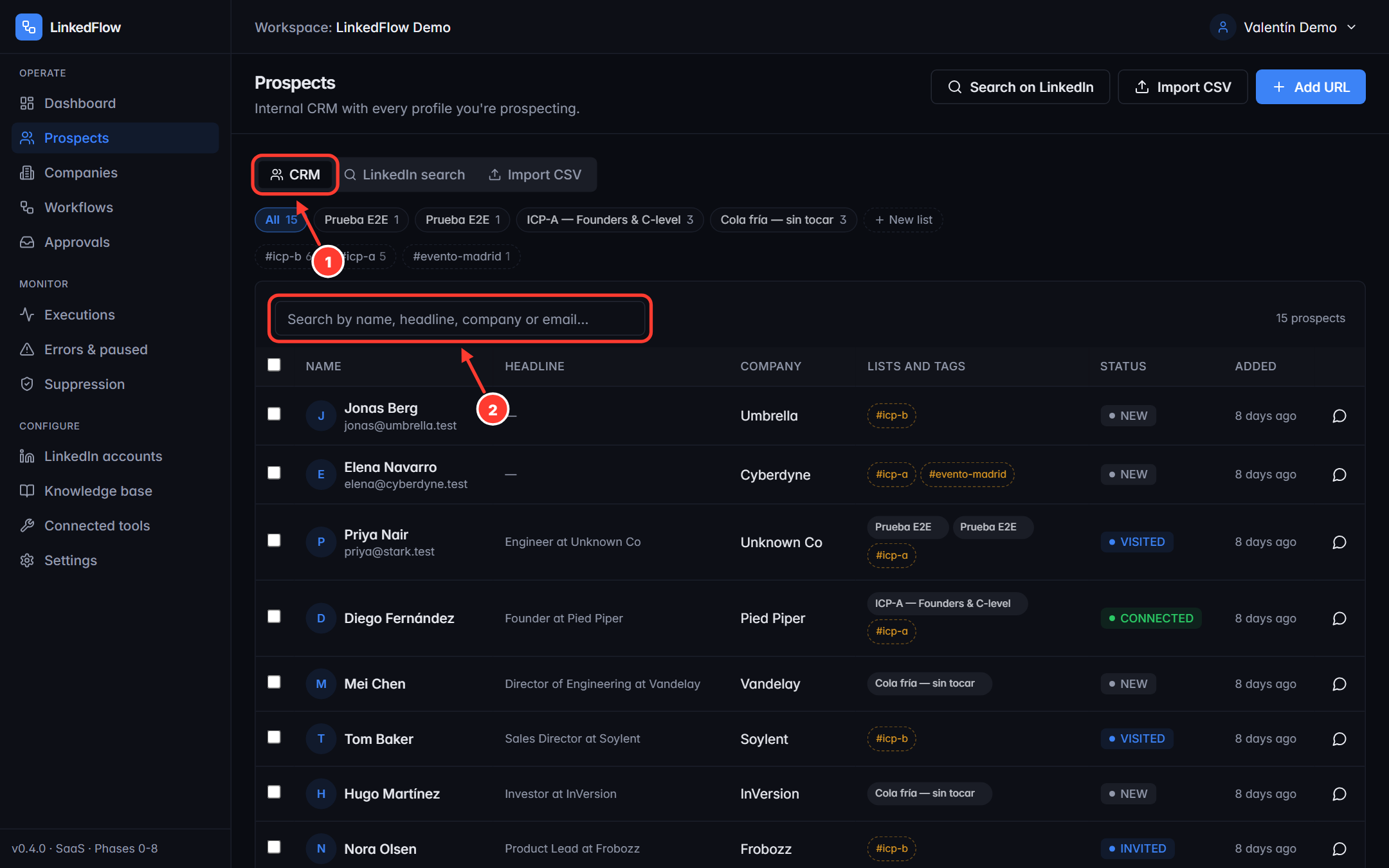
- The three tabs: CRM, LinkedIn search and Import CSV.
- Search box by name, headline, company or email, combinable with the status, list and tag filters.
Each prospect keeps their record (role, company, industry, location, network distance), their tags, their score (if the AI scores them) and their status, which advances on its own based on what actually happens:
| Status | Means |
|---|---|
| NEW | Just arrived, untouched. |
| VISITED | Their profile was visited. |
| INVITED | Invitation sent, pending acceptance. |
| CONNECTED | They accepted: you're now connected. |
| MESSAGED | You sent them at least one message. |
| REPLIED | They replied. Stop-on-reply protects them from further automation. |
| DNC | Do not contact. Out of every workflow. |
From a prospect's row you can open their conversation (read the real LinkedIn thread, write by hand, ask the copilot for a draft or enable the autopilot), add them to lists, tag them or send them to suppression.
Lists
Lists group prospects to work them together (“ICP-A — Founders”, “Event X”...). They are the ammunition of workflows: the “Prospect Added” trigger launches the journey automatically for each person who enters, and when running by hand you choose a list as the audience. Create one with New list and add prospects from the table with multi-select.
Adding by hand
The “Add URL” button creates a prospect by pasting their LinkedIn URL, with optional name, email and company. LinkedFlow deduplicates by the profile's public identifier: pasting the same person twice doesn't create two records.
LinkedIn search
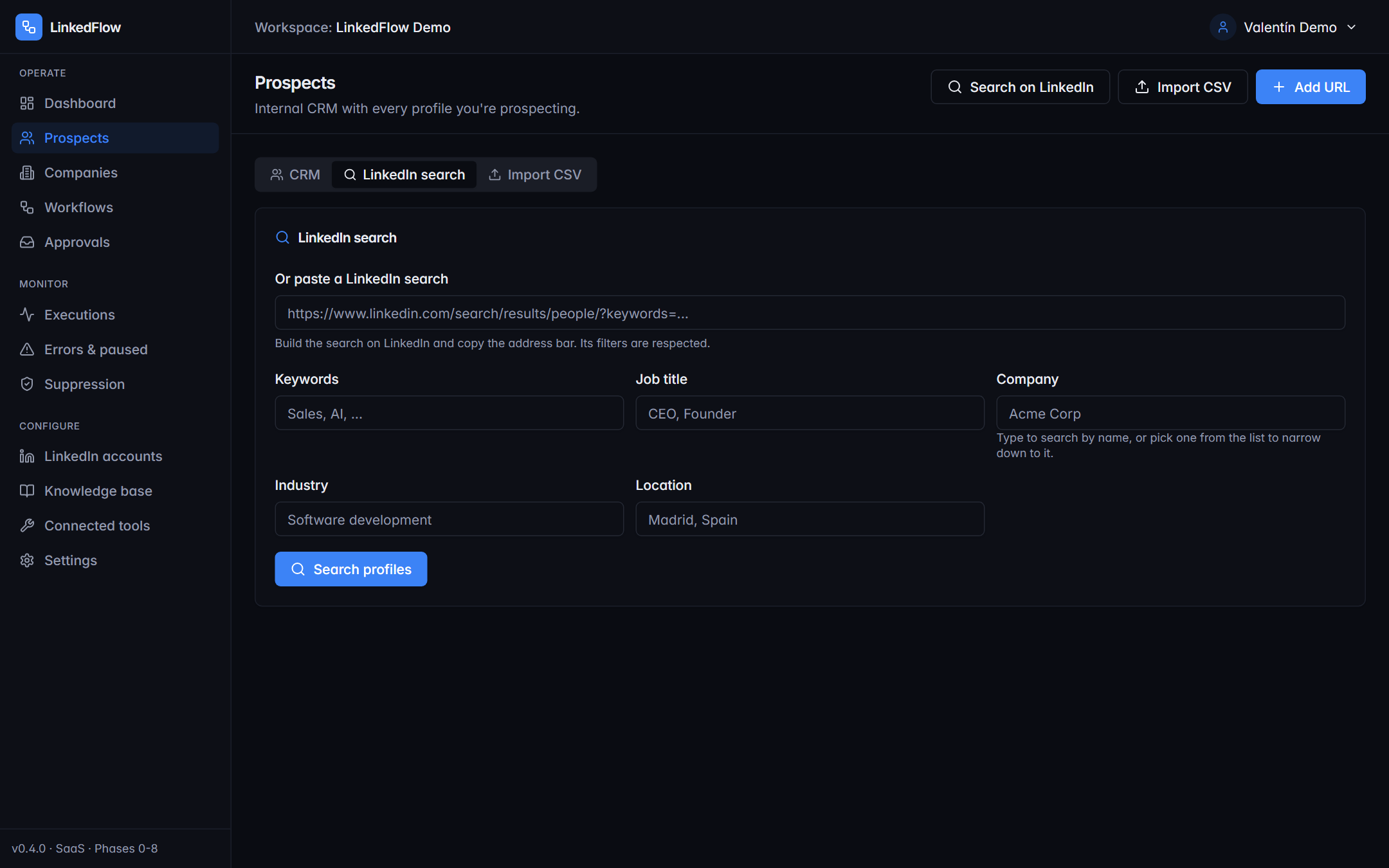
Search people with LinkedIn's native filters: keywords, job title, company, industry and location (the industry and location selectors use the same options as LinkedIn). You can also paste the URL of a LinkedIn search you've already built. From the results, add people to the CRM one by one or in bulk; recent searches are saved (the last 20) so you can repeat them.
Searches don't spend your monthly action quota or the daily quotas: only outreach actions count (visits, invitations, messages, replies).
Importing a CSV
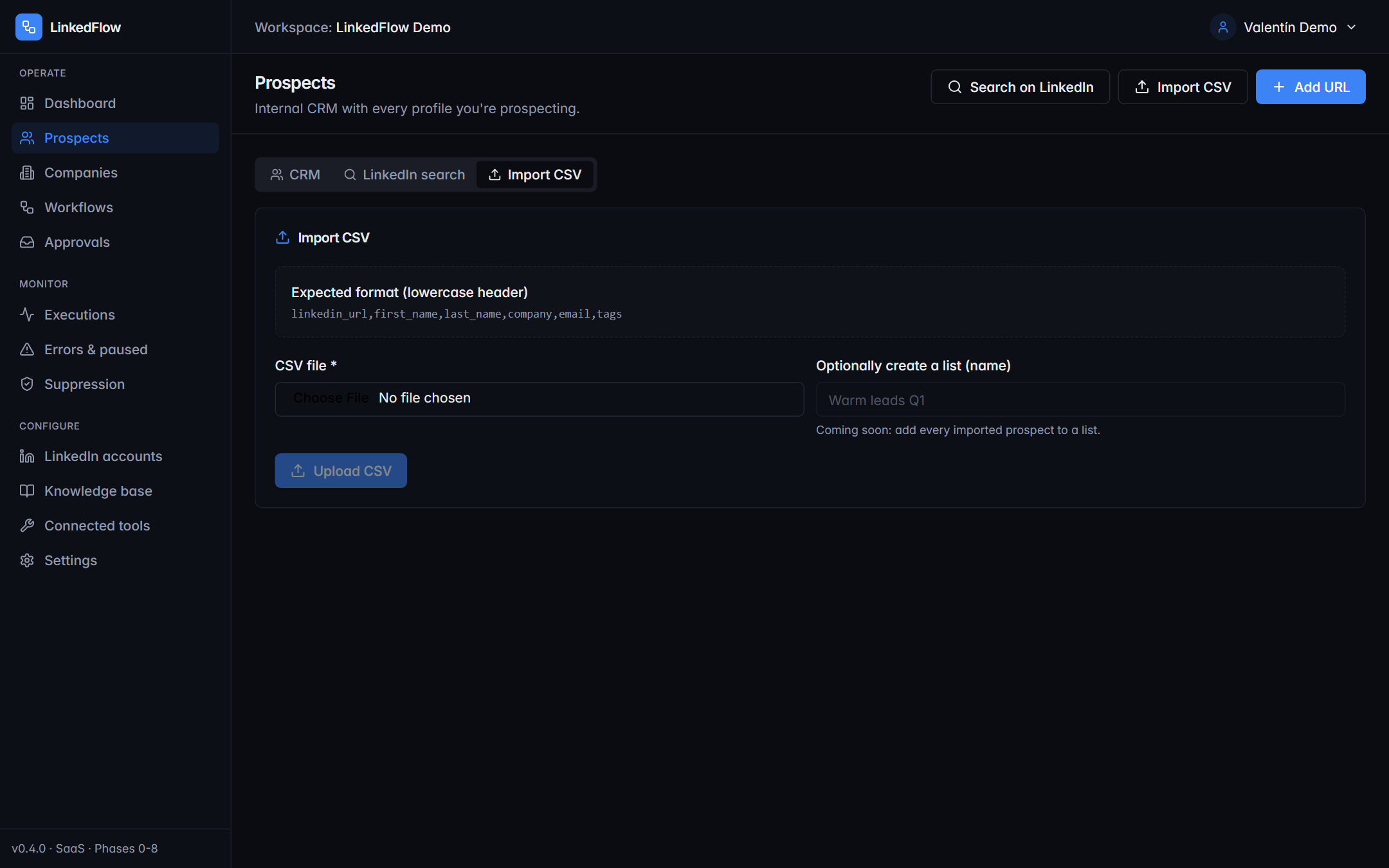
.csvor.txtfiles up to 10 MB.- Map the columns to the prospect's fields (LinkedIn URL, name, email, company…).
- Deduplication works the same as by hand: duplicates are updated, not duplicated.
- The “CSV Imported” trigger can launch a workflow automatically when each import finishes.